You may want to exclude certain listings from promotions. For example, if
you have a listing that already has a low profit margin, you might want to
exclude it from any promotions that would lower the profit margin any further
(or result in a loss).
|
1.
|
Click Manage and select Listings.
|
|
2.
|
On your Listings page, scroll down to the listing
and click Edit below the listing name.
|
|
3.
|
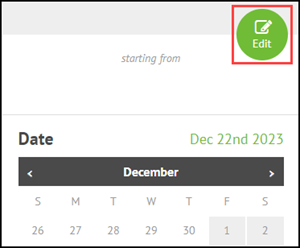
Click the Edit button above the calendar.
|
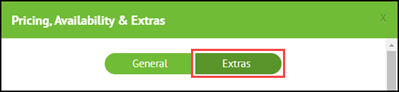
The Pricing, Availability & Extras dialog displays.
|
5.
|
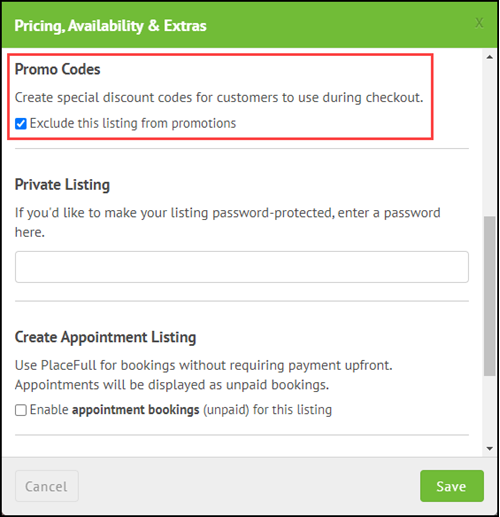
Under Promo Codes, select
Exclude this listing from promotions.
|

Comments
0 comments
Please sign in to leave a comment.