You are prompted to enter a listing overview when you create a listing. However,
in the rush to publish a listing you may not spend as much time as you'd
like making sure the overview is enticing to customers, or complete. That's
okay, because you can always update the listing overview later.
|
1.
|
Click Manage and select Listings.
|
|
2.
|
On your Listings page, scroll down to the listing
and click Edit below the listing name.
|
|
3.
|
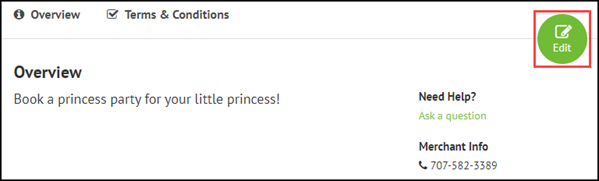
Click the Edit button next to
Overview.
|
|
4.
|
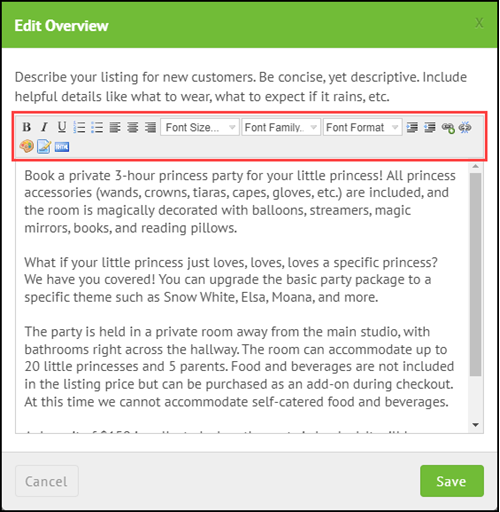
Update your listing overview as required. |
Use the formatting options to change the font type, size, and color. You
can also indent text, add lists, and add images and hyperlinks.

Comments
0 comments
Please sign in to leave a comment.